
Text with room to breathe
Choose from 8 reading fonts, including OpenDyslexic, Lexend and Atkinson Hyperlegible. Adjust text size, line height, letter spacing and word spacing.
For every kind of mind
Tiny text, crowded layouts and bright pages can make the web hard work. FocusFlow helps you choose a more comfortable way to read, with dyslexia, ADHD, visual stress and different reading preferences in mind.
Add FocusFlow to Chrome, free (opens in a new tab)Free to install. Available for Chrome, Firefox and Edge.
You don’t need a diagnosis to make yourself comfortable.
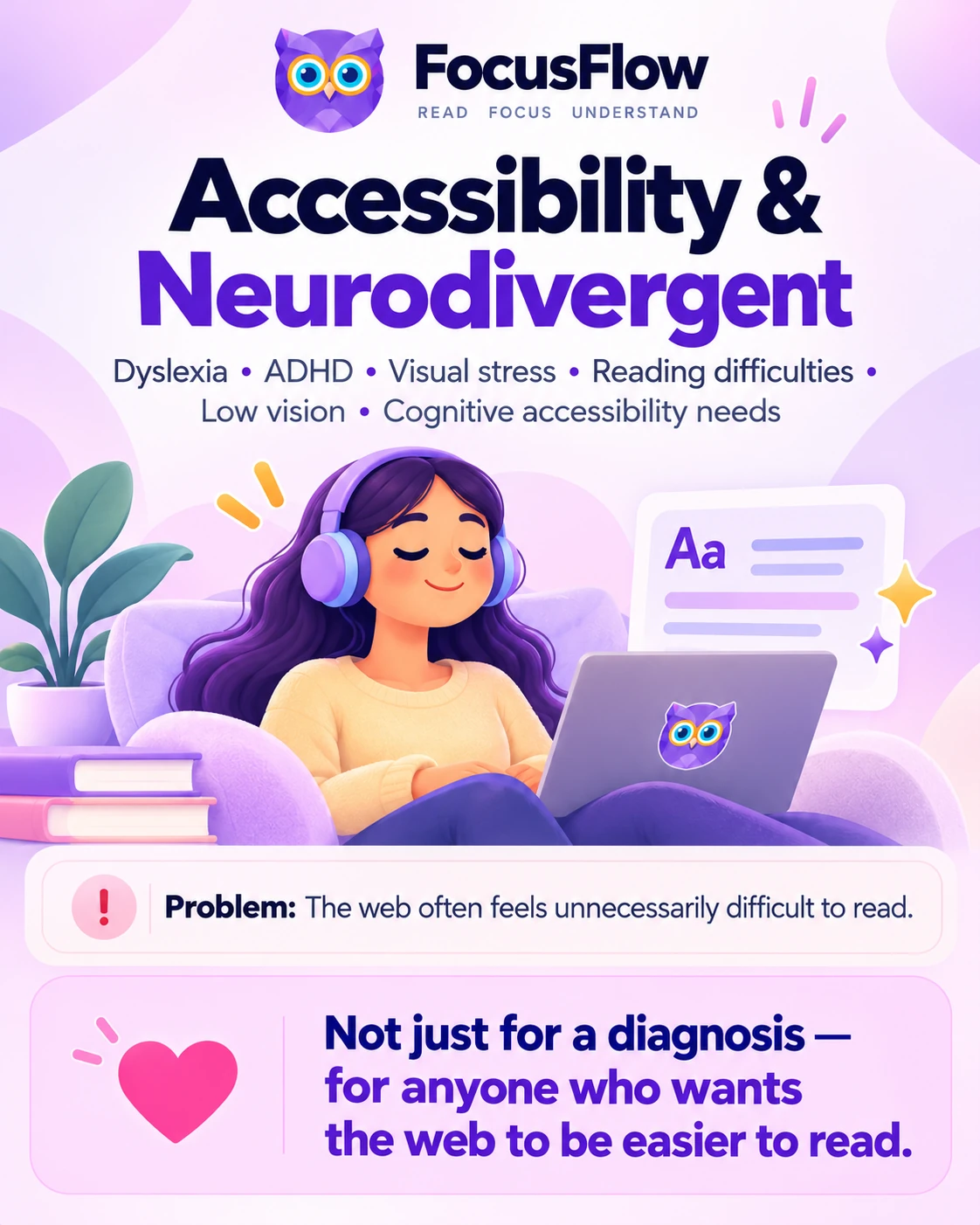
FocusFlow. Read. Focus. Understand.
Accessibility and neurodivergent readers: Dyslexia, ADHD, visual stress, reading difficulties, low vision and cognitive accessibility needs.
Problem: The web often feels unnecessarily difficult to read.
Not just for a diagnosis — for anyone who wants the web to be easier to read.
Small changes. More choice.
A font that helps one person may feel wrong for another. Try the tools at your own pace and keep the settings that work for you.
Choose from 8 reading fonts, including OpenDyslexic, Lexend and Atkinson Hyperlegible. Adjust text size, line height, letter spacing and word spacing.
Reader Mode removes surrounding clutter from supported articles. Reading themes and color overlays let you choose a page color that feels comfortable.
Try a reading ruler or Focus Line to mark the part of the page you are reading. Turn either tool off whenever you prefer an open view.
Listen with read-aloud using your device’s voices and an adjustable speed. Pro adds word-by-word highlighting and a floating player.
The core fonts, typography controls, Reader Mode, focus tools and read-aloud are free. FocusFlow Pro adds AI tools to summarize, simplify and define selected text, plus more personalization options.
FocusFlow works on supported web pages and HTML articles. It does not open PDF files. Some sites restrict changes; see the help and FAQs for details.
Try the reading demo or paste your text into the free online reader. When you’re ready, bring your preferences to the websites you visit.
Add FocusFlow to Chrome, free (opens in a new tab)