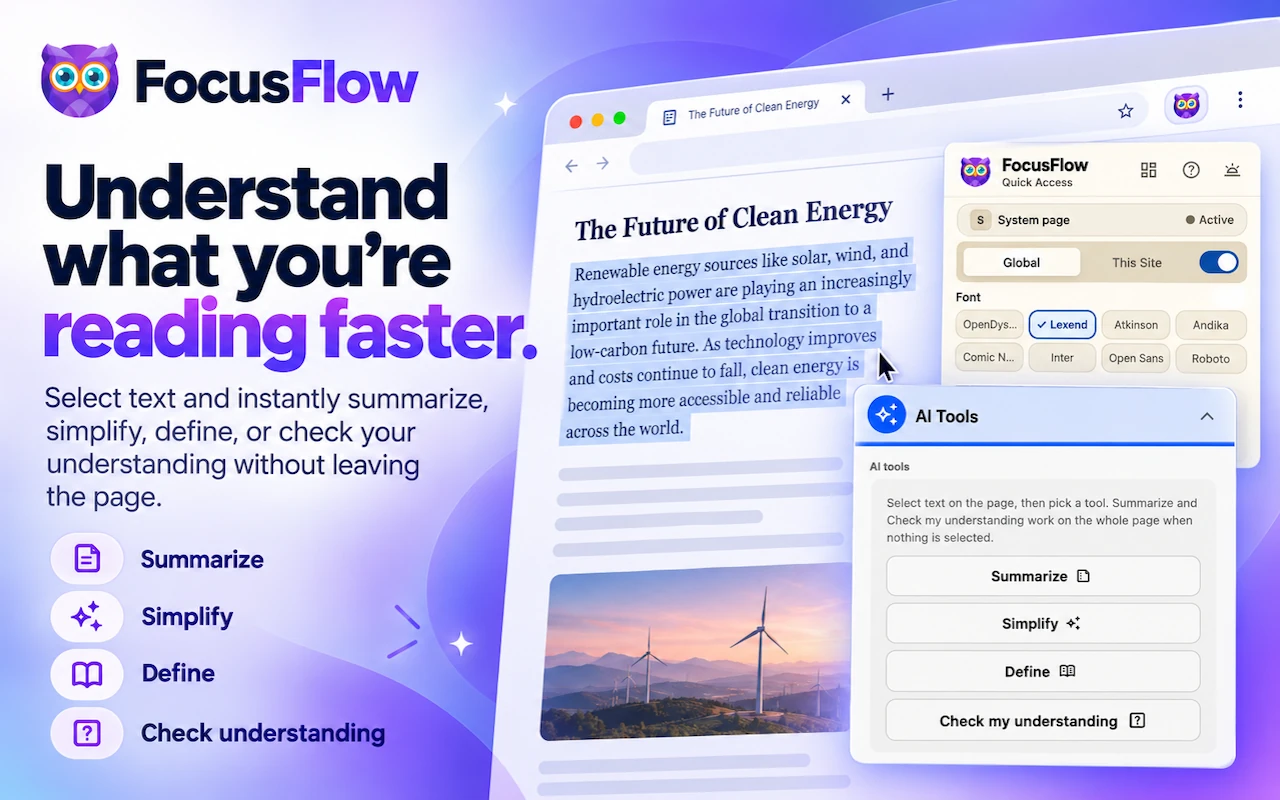
Powerful Accessibility Features

Everything you need to customize your reading experience on the web. Built with inclusivity and ease of use in mind.

✨ New in v2.6

Advanced Sidebar

A full side panel with profiles, site settings, typography tuning, and keyboard shortcuts — everything you need, one click away.

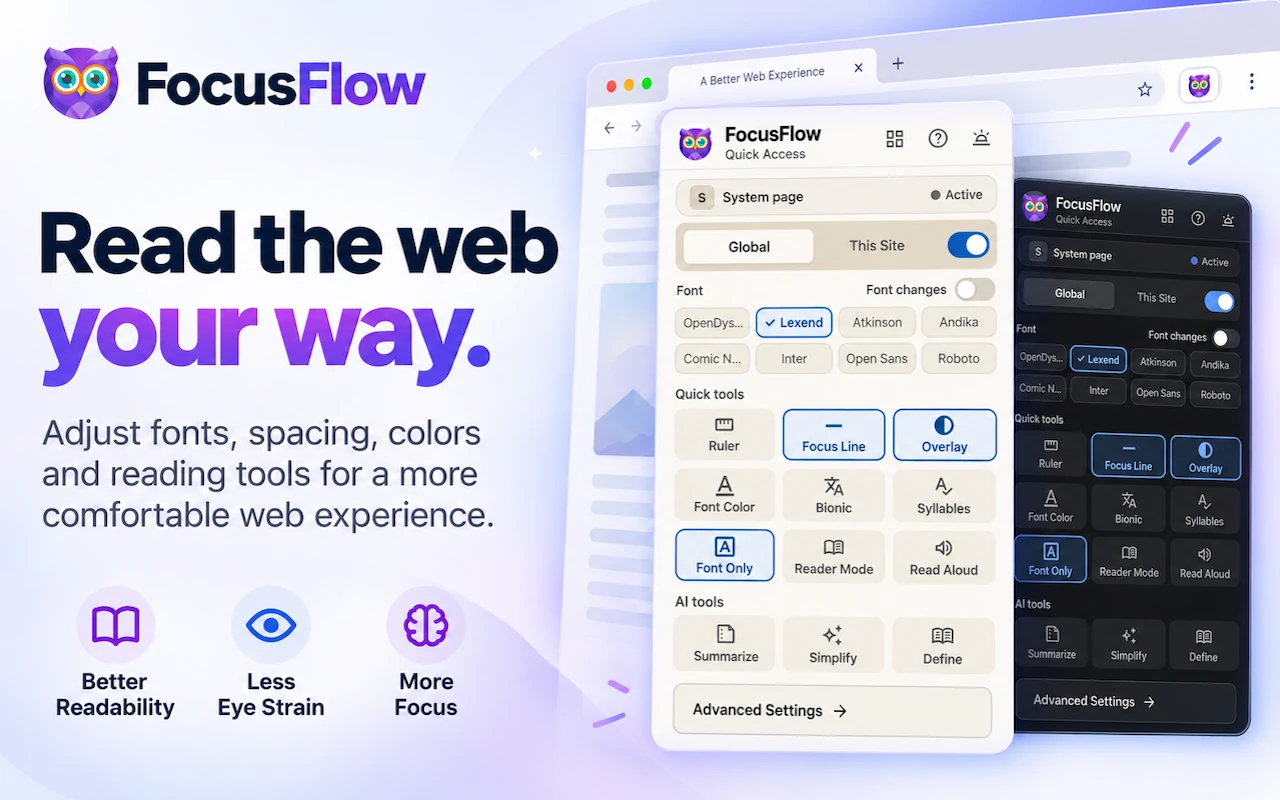
Quick Tools Popup

Toggle the ruler, focus line, color overlay, and Bionic Reading with one click from the toolbar popup. No menus, no friction.

Per-Site Typography

Save a different font, size, and spacing for every website. FocusFlow remembers what works where — so Wikipedia can look different from your inbox.

Font Size Limits

Set a minimum and maximum font size in pixels. Pages with tiny or oversized text get rescaled into your comfort zone automatically.

Apply for All Sites

Found a typography setup you love? Push it to every website at once — or fall back to a clean slate with a single Reset Typography click.

Added in v2.5

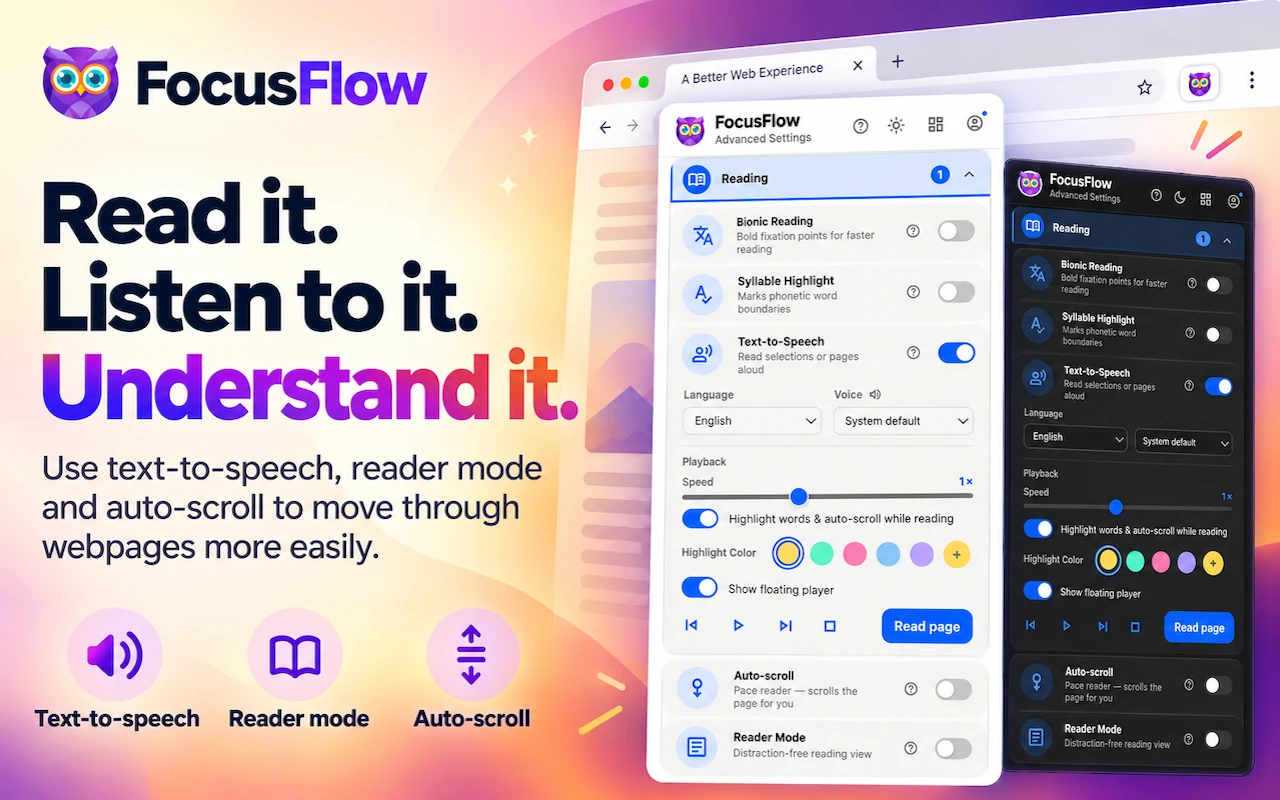
Bionic Reading

Bolds the first few letters of each word, creating fixation points that guide your eyes and boost reading speed and comprehension.

Text to Speech

Select any text and listen to it read aloud. Works across all 8 supported languages using your device's native voice engine.

Reader Mode

Strips away ads, sidebars, and visual clutter for a clean, distraction-free reading environment that works with all your settings.

8 Languages

FocusFlow supports Deutsch, English, Espanol, Francais, Portugues (BR & PT), Hindi, and Japanese.

Added in v2.2

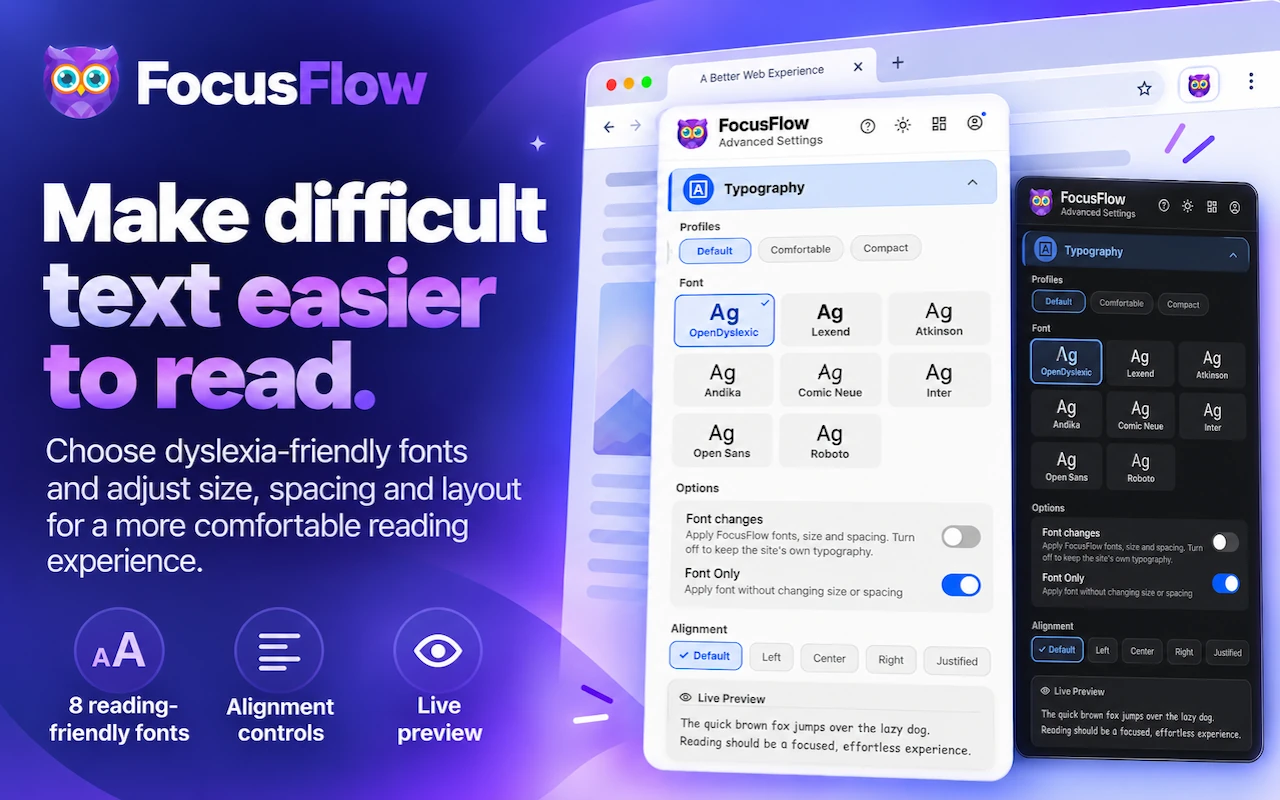
Multiple Fonts

Choose from OpenDyslexic, Lexend, or Atkinson Hyperlegible — each designed for easier reading.

Word Spacing

Fine-tune the space between words with a dedicated slider for maximum readability.

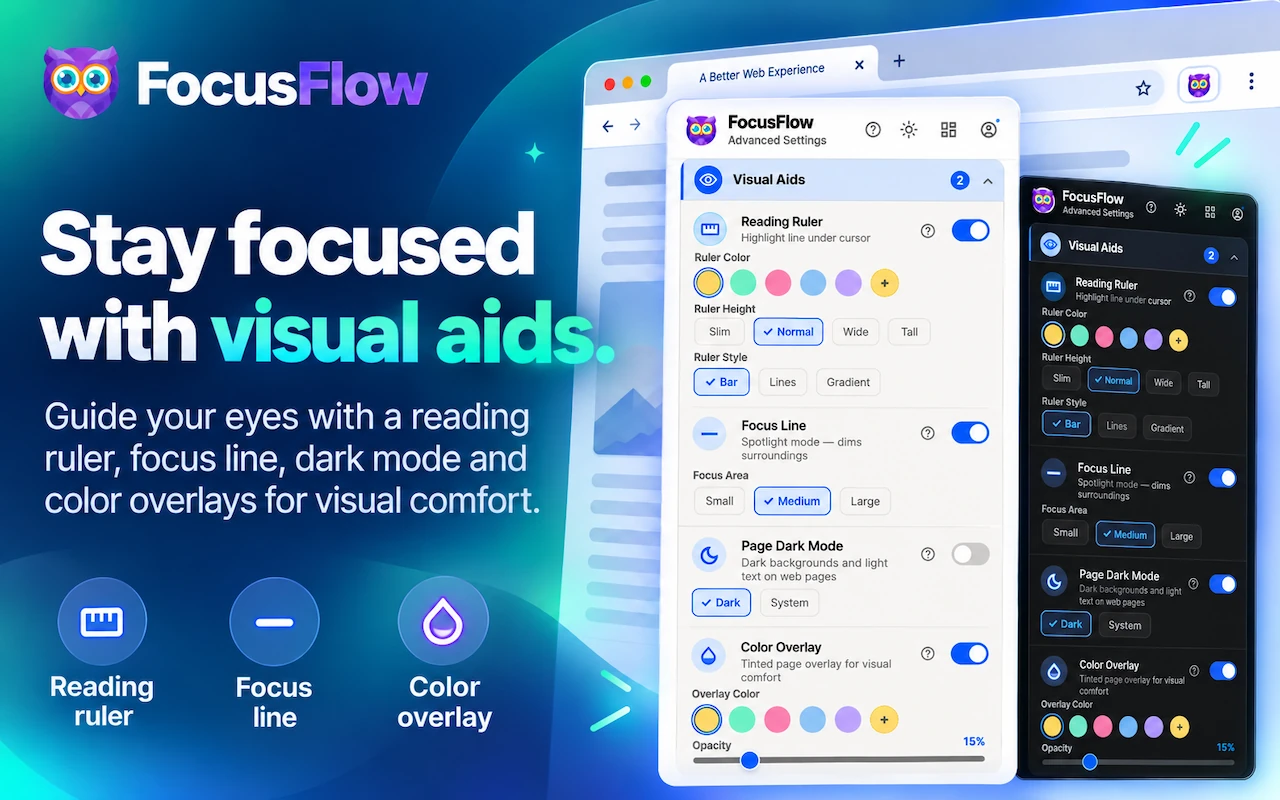
Color Overlay

Apply a tinted overlay to any page — choose from 5 colors and adjust opacity to reduce visual stress.

Focus Line

Spotlight mode dims the page except the line you're reading — perfect for staying on track.

Core Features

Per-Site Controls

Enable or disable the font on individual websites. Your preferences are remembered automatically.

Typography Tuning

Fine-tune font size, line height, and letter spacing with intuitive sliders to match your comfort.

Reading Ruler

A colored overlay follows your cursor, helping you track lines of text without losing your place.

Profiles & Presets

Save your favorite configurations as presets and switch between them with a single click.

Keyboard Shortcuts

Toggle the font, ruler, and adjust font size instantly — all without opening the popup.

Light & Dark Themes

The popup matches your style. Switch between light and dark mode with one click.

Available Now

v2.6 is Here

FocusFlow v2.6 — with the Advanced Sidebar, Per-Site Typography, Quick Tools Popup, and Font Size Limits — is live on the Chrome Web Store. Update now, it's free!