
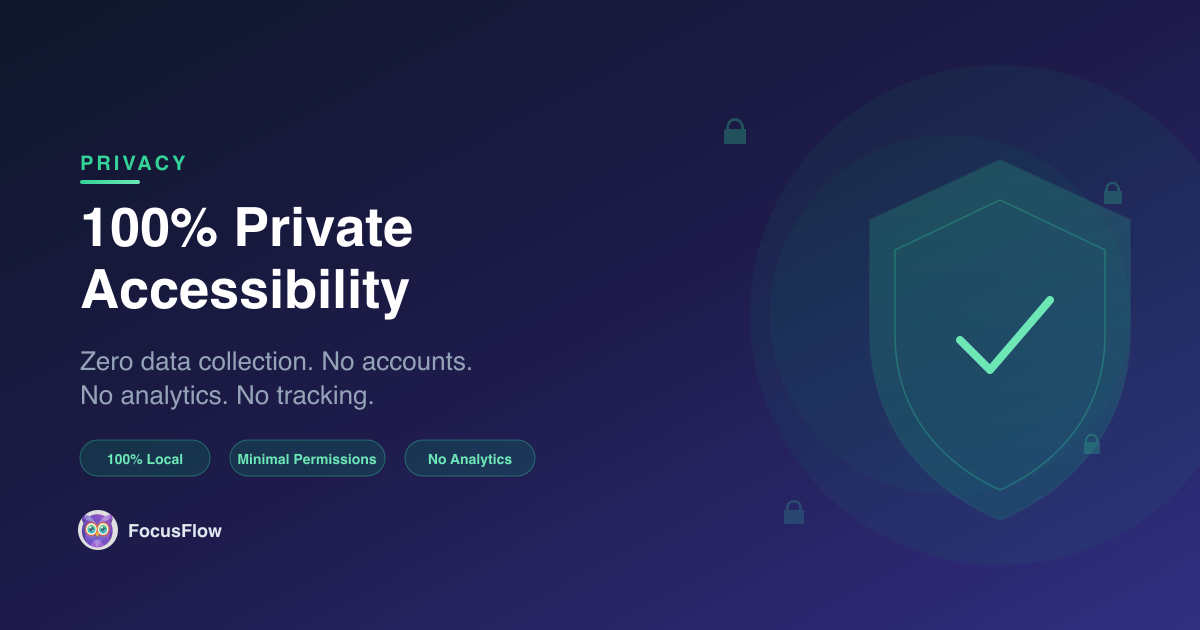
When you install a browser extension, you're trusting it with access to your browsing activity. Most accessibility tools require permissions that could compromise your privacy — tracking usage data, sending analytics, or storing your preferences on remote servers.
FocusFlow takes a radically different approach: your data never leaves your browser. Period.
Why Privacy Matters in Accessibility Tools
People who use accessibility extensions often rely on them across every website they visit — from banking portals and medical records to personal emails and social media. That means an accessibility extension sees everything you read online.
This makes privacy not just a nice-to-have, but a fundamental requirement. Unfortunately, many popular extensions:
- Send anonymous "usage analytics" to third-party servers
- Require account creation to sync settings
- Use cloud storage to save your preferences
- Include tracking pixels or telemetry scripts
FocusFlow was built with one non-negotiable principle: zero data collection.
How FocusFlow Protects Your Privacy
Everything Stays Local
All of your FocusFlow settings — font preferences, reading ruler configuration, color overlays, per-site controls, and saved profiles — are stored entirely in your browser's local storage. Nothing is transmitted to any server, ever.
No Accounts, No Sign-Ups
You don't need to create an account to use FocusFlow. There's no email verification, no password to remember, no profile to manage. Install it, configure it, and start reading — that's it.
No Analytics or Tracking
FocusFlow contains zero analytics scripts. No Google Analytics. No Mixpanel. No telemetry. No "anonymous" usage data. We don't know how many times you toggle the reading ruler or which fonts you prefer — and we want to keep it that way.
Nearly Zero Network Requests
FocusFlow makes no analytics, tracking, or telemetry requests whatsoever. The only external request is loading the Inter font from Google Fonts for the extension's own popup interface — this does not affect any website you visit and will be removed in a future update to make FocusFlow fully offline. It doesn't phone home. It doesn't check for feature flags from a remote server.
Minimal Permissions
FocusFlow only requests the permissions it absolutely needs to function. It doesn't ask for access to your browsing history, bookmarks, or downloads. The extension operates within the narrowest possible permission scope.
Privacy Compared to Other Accessibility Extensions
| Feature | FocusFlow | Typical Extensions |
|---|---|---|
| Data storage | 100% local | Cloud or mixed |
| Account required | No | Often yes |
| Analytics/tracking | None | Usually included |
| Network requests | One (UI font only*) | Regular |
| Permission scope | Minimal | Broad |
*The single Google Fonts request for the popup UI will be removed in a future version.
Open and Transparent
We believe accessibility tools should be trustworthy by design. FocusFlow's approach to privacy isn't buried in a lengthy terms-of-service document — it's a core product feature. You can read our full Privacy Policy to see exactly what we do (and don't do) with your data.
Your Reading, Your Data
Accessibility should never come at the cost of privacy. With FocusFlow, you get powerful reading tools — typography tuning, color overlays, reading rulers, spotlight focus, and more — without giving up a single byte of personal data.
Want to see the full picture? Read why FocusFlow is the best accessibility extension for Chrome, or jump straight to our getting started guide to set up in under a minute.