
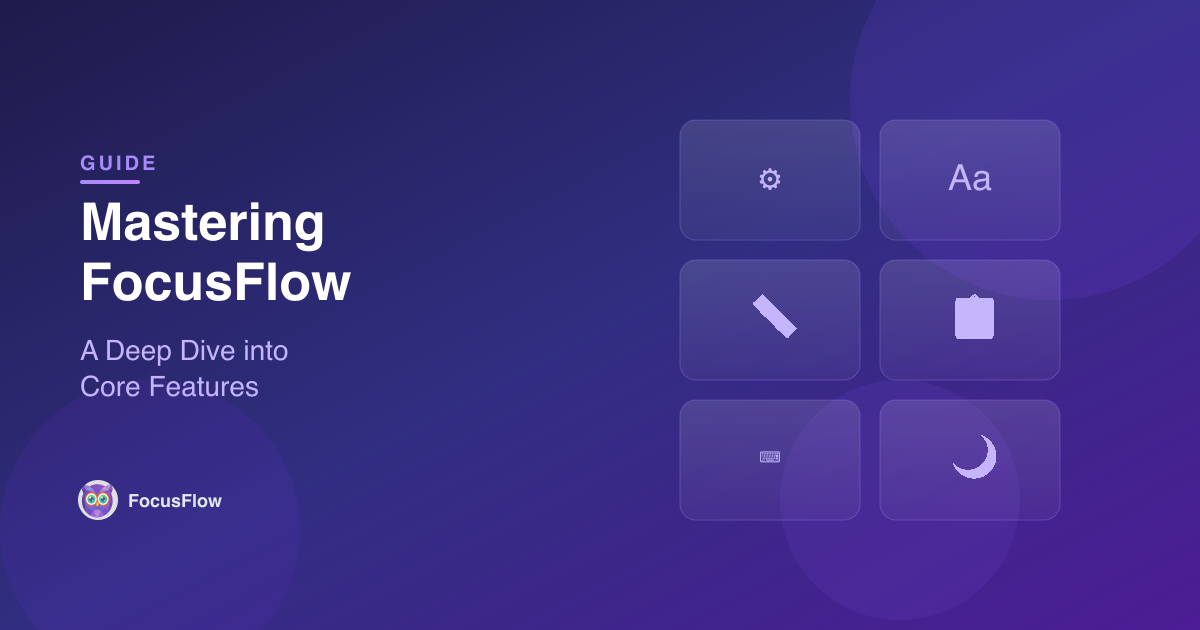
While we are constantly innovating with new versions, the heart of FocusFlow lies in its powerful core feature set. These tools were designed from the ground up to provide a seamless, accessible reading experience for everyone.
In this post, we’ll explore the essential tools that make FocusFlow a must-have extension for your browser. If you haven’t tried it yet, install FocusFlow from the Chrome Web Store — it’s free and takes seconds.
🌐 Per-Site Controls
Every website is different. Some might need significant typography adjustments, while others are perfectly readable as they are. With Per-Site Controls, you can enable or disable FocusFlow on individual websites. Your preferences are saved automatically, so you don't have to toggle settings every time you return to your favorite blog or news site.
🔠 Typography Tuning
Accessibility isn't one-size-fits-all. Our Typography Tuning suite gives you granular control over how text is presented. Use intuitive sliders to adjust:
- Font Size: Make text larger or smaller without breaking the page layout.
- Line Height: Increase vertical space between lines to prevent "crowding."
- Letter Spacing: Adjust the horizontal gap between characters for better recognition.
📏 Reading Ruler
Tracking lines across long paragraphs can be challenging. The Reading Ruler provides a horizontal, colored guide that follows your mouse cursor. It helps your eyes stay locked onto the current line, reducing the strain of navigating dense text blocks. Learn more about this and other visual tools in our Reading Aids deep dive.
📋 Profiles & Presets
Do you prefer different settings for reading academic papers versus browsing social media? Profiles & Presets allow you to save your favorite configurations. Once saved, you can switch between them with a single click in the FocusFlow popup.
⌨️ Keyboard Shortcuts
Efficiency is key. FocusFlow includes a set of Keyboard Shortcuts that let you control the extension without even opening the menu:
- Option + Shift + F (Mac) / Alt + Shift + F (Windows/ChromeOS): Toggle font on/off.
- Option + Shift + ↑/↓ (Mac) / Alt + Shift + ↑/↓ (Windows/ChromeOS): Quickly adjust font size.
🌙 Light & Dark Themes
The FocusFlow interface should be just as comfortable as the content it helps you read. You can switch the popup between Light and Dark mode with a single click, ensuring it fits perfectly with your browser's theme.
FocusFlow's core mission is to make the web accessible, one feature at a time. Whether you use one tool or all of them, these features work together to create a reading environment tailored specifically to your needs.
New to FocusFlow? Check out our getting started guide to set up in under a minute. Curious about what sets us apart? Read why FocusFlow is the best accessibility extension for Chrome. And rest assured — FocusFlow is 100% private with zero data collection.