
The web is a library of endless information, but for many, reading online is a frustrating experience. Crowded text, glaring white backgrounds, and poorly chosen fonts can make getting through a single article feel like a chore.
Since 2024, our mission has been to change that. What started as the "Open Dyslexic" extension was built on a simple premise: reading should be accessible to everyone.
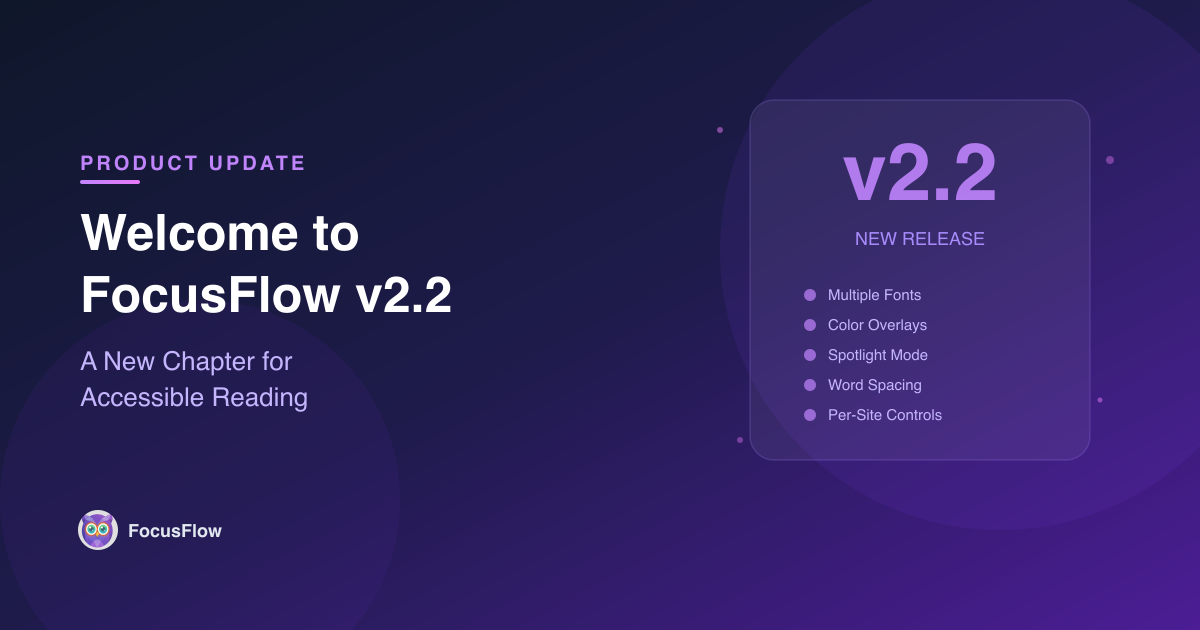
Today, we are taking a massive leap forward. Open Dyslexic is now FocusFlow. We have the same mission, but we are delivering a much better, more powerful experience. With the launch of FocusFlow v2.2, we've rebuilt the tool from the ground up to be a complete, customizable accessibility toolkit right in your browser.
Why the Name Change?
Dyslexia support will always be at the heart of what we do. But as the extension grew, we realized our tools were helping a much wider audience — people with ADHD, individuals experiencing visual stress, and anyone who just wanted to reduce screen glare during late-night reading sessions. The name FocusFlow reflects our broader goal: helping you get into the flow of reading without distractions or discomfort.
✨ What's New in FocusFlow v2.2?
We've packed this update with highly requested features designed to give you ultimate control over how you see the web:
🔤 Beyond OpenDyslexic
We still love the OpenDyslexic font, but reading is highly personal. You can now choose between OpenDyslexic, Lexend, and Atkinson Hyperlegible — all scientifically designed to improve reading speed and accuracy.
🎨 Color Overlays to Reduce Glare
Bright white screens are a massive source of visual stress. You can now apply a customized, tinted overlay to any page. Choose from 5 calming colors and adjust the opacity to your exact comfort level.
🎯 Spotlight Mode (Focus Line)
Getting easily distracted? Spotlight mode dims the entire webpage except for the exact line you are reading. It's perfect for staying on track.
↔️ Precision Word Spacing
Stop text from crowding together. You can now fine-tune the exact space between words using a dedicated slider.
🛠️ Your Favorite Core Features, Upgraded
Everything you loved about the original extension is still here, but running smoother than ever:
- Per-Site Controls: Enable or disable FocusFlow on individual websites, and it will remember your preferences automatically.
- The Reading Ruler: Keep your place on the page with a colored overlay that tracks your mouse cursor.
- Profiles & Presets: Got a setup you love for reading the news, and a different one for coding? Save your configurations and switch between them in a single click.
- Power User Shortcuts: Toggle your custom fonts (
Alt+Shift+D), activate your Reading Ruler (Alt+Shift+R), or adjust text size on the fly without ever opening the extension menu.
Try FocusFlow Today
Whether you are studying, working, or just browsing, you deserve a web that adapts to you — not the other way around.
Install FocusFlow Free on Chrome
If you love the new update, leaving a 5-star review helps us reach and support more readers who need it. ⭐