
For individuals with ADHD, reading an article online often feels like trying to listen to a whisper in a crowded room.
Between flashing sidebar ads, auto-playing videos, and dense walls of text, the "visual clutter" of modern web design is the enemy of focus. The cognitive load required just to filter out the noise leaves very little mental energy for actually comprehending the text.
If you struggle to stay focused while reading on a screen, standardizing your typography isn't always enough. You need screen masking tools. Here is how to reduce screen distractions using the best reading tools available in 2026.
The Problem: The "Wall of Text" Effect
When an ADHD brain encounters a massive block of unformatted text surrounded by modern web clutter, it triggers a flight response. The lack of clear visual hierarchy makes it impossible to know where to anchor attention. This results in:
- Skipping lines accidentally.
- Losing your place mid-paragraph.
- Reading the same sentence repeatedly without absorbing the meaning.
The Solution: Screen Masking and Line Focus
Screen masking is a technique of obscuring distracting elements of a screen so that only the text you are actively reading is highlighted. Consider it "horse blinders" for your browser.
Here are the three most effective masking techniques you can implement today:
1. The Reading Ruler (Line Tracking)
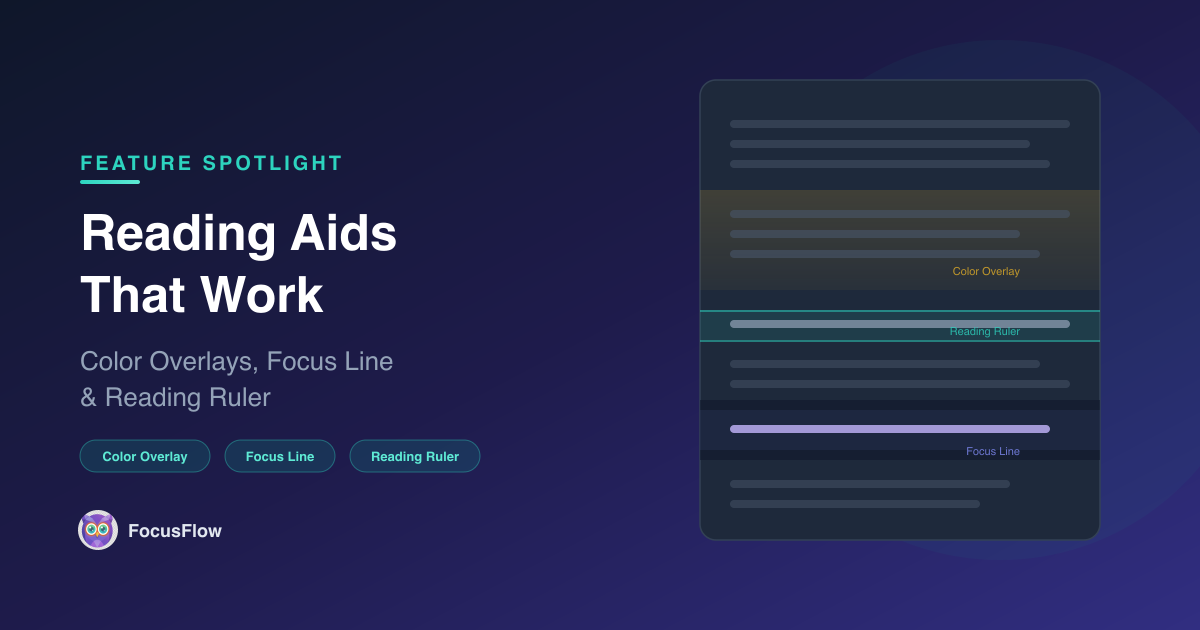
Just like using your finger or a physical ruler to track a line in a paperback book, a digital Reading Ruler provides a horizontal guide that follows your cursor.
- Why it works: It provides a physical anchor point for your eyes, completely eliminating the problem of skipping lines and keeping your visual field contained.
2. Spotlight Focus (Screen Masking)
Spotlight focus is a more aggressive form of the reading ruler. It darkens the entire screen—usually applying a semi-opaque black overlay—except for a horizontal "spotlight" around your cursor.
- Why it works: It entirely removes peripheral visual noise. If an ad flashes in the sidebar, or another paragraph looks intimidating, it is muted in the background, forcing your brain to process only one sentence at a time.
3. Reader Mode (De-cluttering)
Reader modes extract the core text from a webpage and strip away the site navigation, sidebars, comments, and pop-ups.
- Why it works: It turns a chaotic webpage into a clean, book-like interface.
How to Get All Three Tools Instantly
You don't need to download multiple apps to achieve this level of focus. FocusFlow integrates all three of these screen masking tools straight into your browser.
- The FocusFlow Reading Ruler: Customizable in height and color.
- The Spotlight Focus Line: Dial in the exact opacity to dim the background while highlighting the active text line.
- Reader Mode: Strip away web clutter with a single click.
Pro-Tip for ADHD Readers:
Combine the Spotlight Focus Line with a warm color overlay (like soft yellow or sepia) in FocusFlow. Research suggests that reducing the stark contrast of black text on a bright white background significantly lowers visual stress and extends your ability to focus before fatigue sets in.
Stop letting bad web design dictate your attention span. Mask the noise, isolate the text, and take your focus back.